Attendance.Built For Retail.

Clock in, take breaks and clock out—without tying attendance to a sale or register session.

Use the Till you already have—or make one a dedicated clock point.

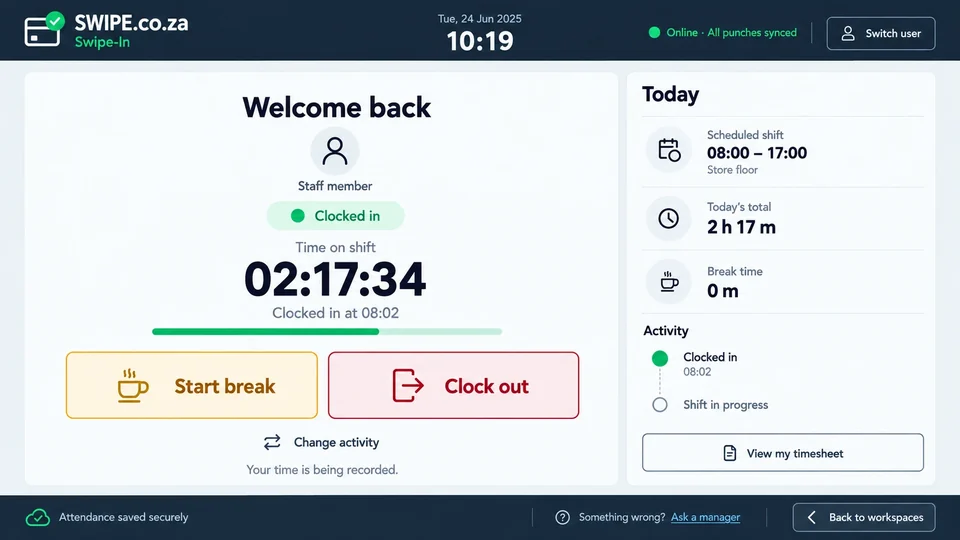
Swipe-In shift screen showing clocked-in time, a scheduled shift, break controls and attendance activity
Every shift, clearly recorded
Shares Your TillNo extra counter hardware
Works OfflineSaves first, syncs later
The Whole ShiftBreaks, Quick Out and return
Central OversightSchedules, review and reports

Secure from the start

Sign In Your Way.

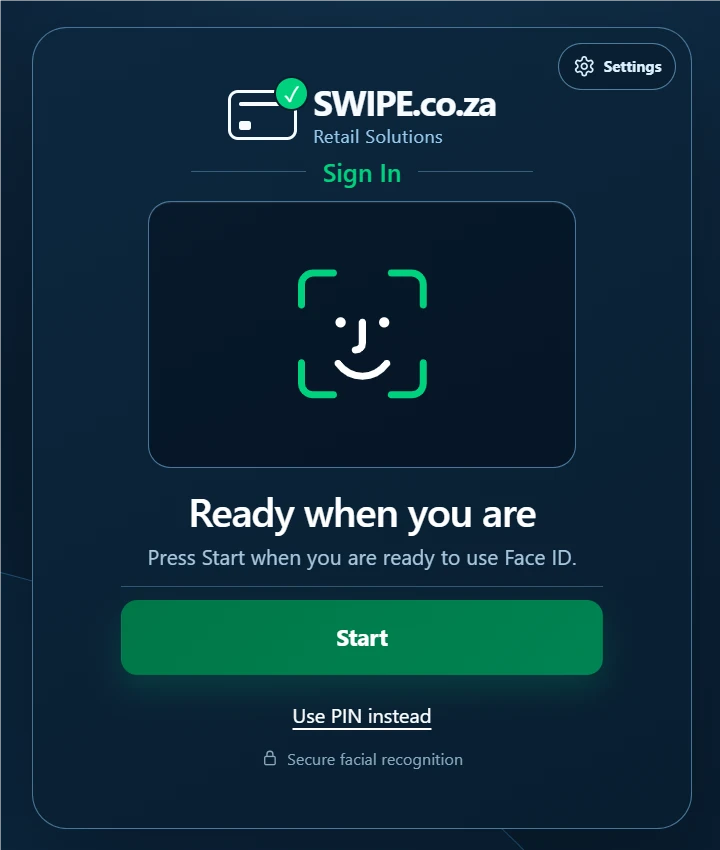
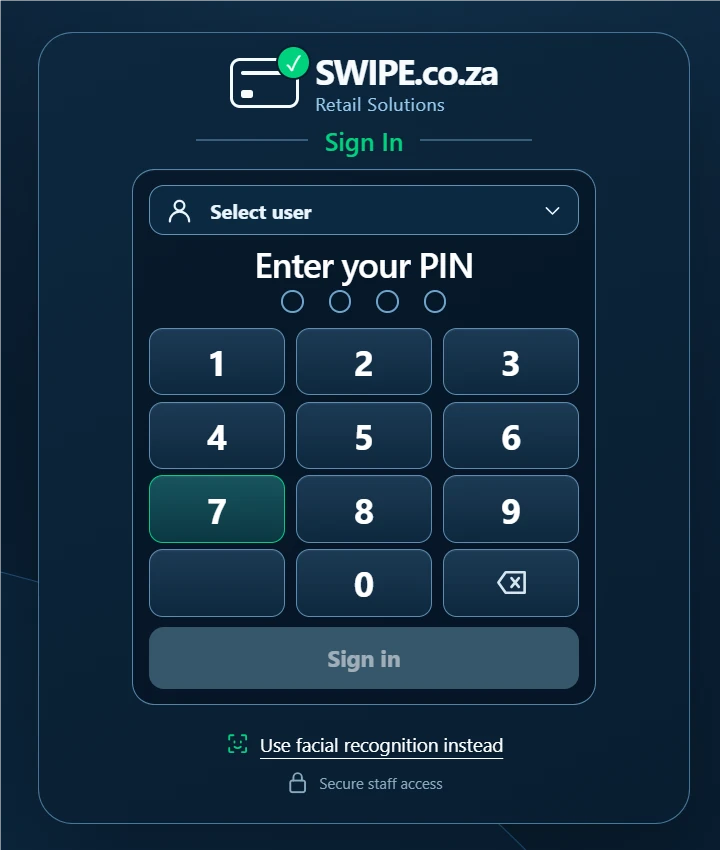
  • Three ways inUse Face ID, PIN or fingerprint to identify the right employee.
  • Private by designEach person verifies their own identity without exposing the employee roster.
  • Attendance onlySigning into Swipe-In does not open the Till, a sale or a cash session.
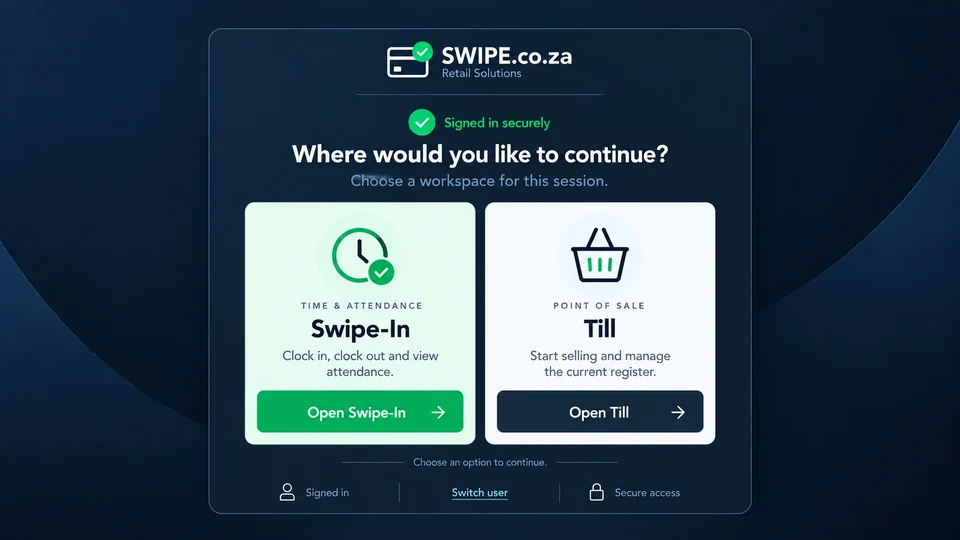
Swipe interface offering Swipe-In time and attendance and Till point of sale as separate workspaces

1 +1 = 1

Two products, One device.

  • Flexible setupRun Swipe-In with Swipe-Till on the same device, or use it as a standalone attendance clock point.
  • As a clock pointUse a standard Swipe Till with selling switched off for a dedicated attendance station.
  • Always separateAn attendance punch never signs the employee into the Till or opens the cash drawer.
Swipe-In attendance screen showing a scheduled shift, time on shift, break controls and recent activity

The shift at a glance

Less is More.

  • Know the shiftSee the scheduled hours, clock-in time and time already worked.
  • Record every changeStart a break, return, change activity or clock out from one clear screen.
  • Check your recordsView your own timesheet and activity without exposing another employee's attendance.

More than a clock-in screen

Attendance You Can Act On.

Clock In And Out

Eligible staff identify themselves, verify privately and see only the actions allowed for their current state.

Face ID, PIN or Fingerprint

Breaks And Quick Out

Keep tea, meal, paid or unpaid breaks and temporary exits clear—with a matching return for each one.

Offline By Design

Approved punches are saved on the Till first, then synchronize in order when the connection returns.

Schedules And Live Status

See who is working, on break, temporarily out, late or missing—within the manager's permitted store scope.

Corrections With History

Workers can request a correction. Managers review it independently while the original punch remains intact.

Timesheets And Reports

Bring schedules, worked time, breaks, exceptions and approved corrections together for review and payroll preparation.

Local at the clock point. Visible at head office.

No Internet?
Keep Clocking.

Swipe-In records authorised attendance locally before showing success. When connectivity returns, the evidence synchronizes and your central view catches up.

01Save LocallyEach action gets a durable receipt.
02Synchronize SafelyRecords replay in the correct order.
03Review CentrallyExceptions stay visible for follow-up.
Clock PointsLive AttendanceTimesheetsReports

See Swipe-In At Work.

Book a Demo